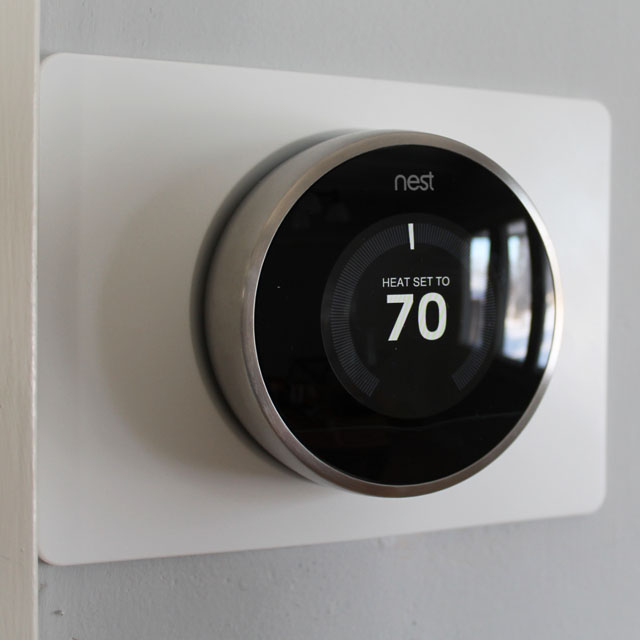
 I have to admit upfront that I have wanted a reason to install the Nest Thermostat from the minute it first hit the market a couple of years ago. Alas, our city condo has radiator heat that is not individually controlled so no Nest for me. And then we bought the Dream House. Huzzah! An excuse to buy the Nest! But it gets better. As part of a holiday sale, Amazon offered a $40 rebate on a 2nd Generation Nest purchase. An even better excuse to buy a Nest!
If you’re not familiar with the Nest, it’s touted as a “smart thermostat.” What does that mean? Well, first of all, the thermostat can be controlled from a smart phone or tablet using the Nest app. Yes, that’s right. We’ll be able to control the heat at the Dream House even when we’re in the city. Or even when we’re upstairs and we don’t want to walk down to the dining room.
As if the smartphone feature isn’t cool enough, the Nest is also a “learning thermostat.” After a week or two of initial use, the thermostat “learns” your heating and cooling habits and begins using automatic programs that save energy (and hopefully a little money). After about a week of using it, I did notice that the Nest would automatically turn itself down to 67 degrees (the nighttime temp I had been setting) and back up to 70 (my daytime setting) in the morning.
Continue Reading…